 StockDock
 A free, open-source app for macOS
Stock prices and your portfolio's P&L, in the Mac menu bar.
StockDock streams live quotes for stocks, ETFs, indices, crypto and currencies, and keeps your portfolios' profit and loss next to the clock. There's no account to create, no API key to paste and nothing to pay.
brew install simonsruggi/tap/stockdockVersion 1.9.1928 September 2026macOS 14 or laterApple silicon and Intel


What it does
It started as a ticker in the menu bar. Most of what came after was asked for by the people using it.
The menu bar, your way
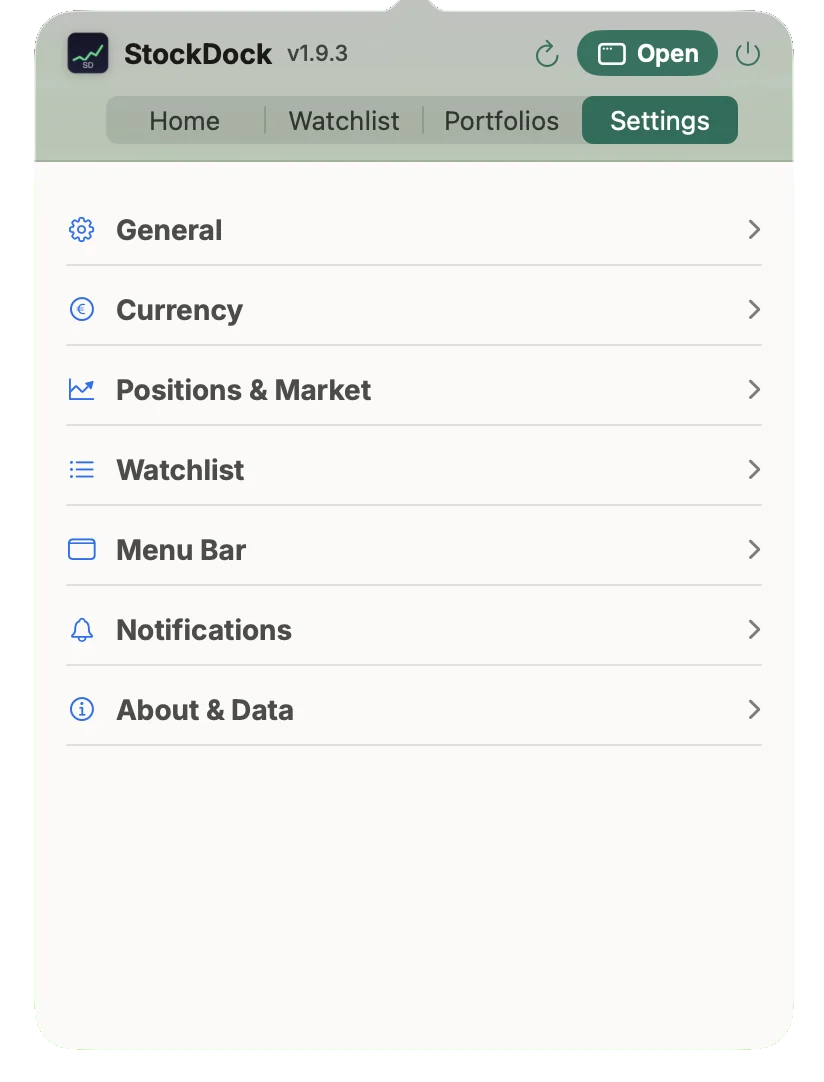
Show your total P&L, the portfolio value, a rotating list of tickers, the day's best and worst holding, or just the icon. Colours, decimals and company names instead of symbols are all settings.
A watchlist that tells you more
Search by ticker, company name or ISIN. Each row has the price, the day's change and range, and where the price sits in its 52-week range. Pre-market and after-hours prices get their own column.
Portfolios in any currency
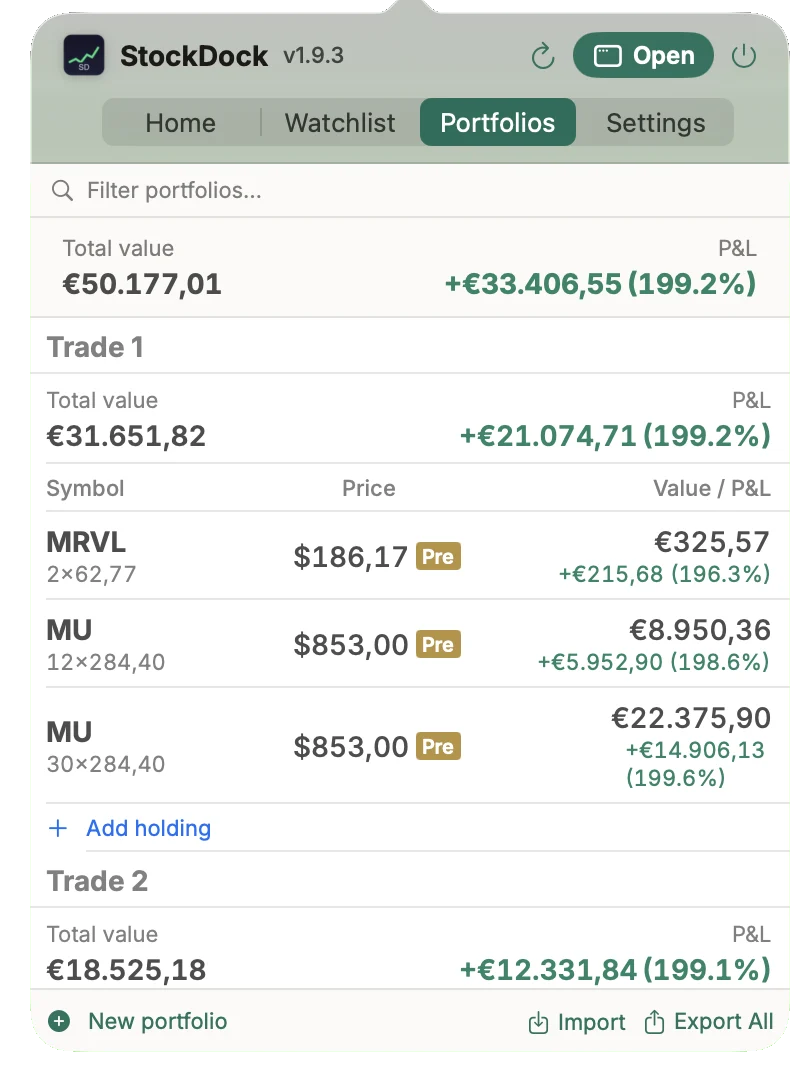
Add holdings with quantity, average price and purchase date. Totals are converted to your currency with the exchange rate of the day you bought, so a US stock held in euros shows the right P&L. Short positions and leverage are there if you need them.
A full window when you want one
Open it from the popover for charts, allocation, concentration, today's movers and market news. It reads the same data as the menu bar, so nothing gets out of sync.
Alerts
Price levels, daily moves, 52-week highs and lows, portfolio milestones and an end-of-day summary, as normal macOS notifications. You can copy them to a Discord or Slack channel with a webhook.
Seven languages
English, Italian, German, French, Spanish, Portuguese and Simplified Chinese, with numbers formatted the way your region writes them. The Chinese translation came from a user.
Recent releases
StockDock updates itself. This is what changed lately.
-
A menu bar that adds up
- The menu bar P&L now matches the window.
- Short-only portfolios show their percentage.
-
StockDock speaks Chinese
- Simplified Chinese is the seventh language.
-
A popover that holds its shape
- Long holding lists stay inside the popover.
- Short lists take only the room they need.
Built in the open
The code is on GitHub under the MIT licence. StockDock is made by one person, and a good part of it started as someone else's idea:
- #2 asked for a .dmg instead of a zip. It took a while, but there is one now.
- #8 wanted company names instead of symbols in the menu bar, and control over the order of the tickers.
- #9 asked for short positions and leverage, with the P&L maths to match.
- #11 was titled "v.1.9.0 turned this into bloatware". Fair enough: dark mode came back and the News tab became optional in 1.9.2.
- #14 needed a practice portfolio, so any portfolio can now be left out of the total.
- Pull requests added the daily P&L in the menu bar (#13), a change column in the holdings list (#20) and the Chinese translation (#26).
Your data stays on your Mac
You don't sign up for anything, and nothing about you or your holdings leaves the computer.
- No account, no analytics, no telemetry.
- Prices come from Yahoo Finance. The app asks for ticker symbols and currency pairs, never for your quantities or amounts.
- Everything is in one file you can back up or delete:
~/Library/Application Support/StockDock/data.json - Webhooks are opt-in. Alerts go to Discord or Slack only if you add a webhook.
Install
Disk image
Download StockDock.dmg, open it and drag StockDock into Applications. It shows up in the menu bar, not in the Dock.
Homebrew
Updates arrive inside the app, so there's no need for brew upgrade.
brew install simonsruggi/tap/stockdock
From source
Needs Xcode 15 or later.
git clone https://github.com/simonsruggi/StockDock
cd StockDock
xcodebuild -scheme StockDock -configuration Release build
Questions
Is StockDock really free?
Yes. It's MIT licensed, with no paid tier and no subscription. If you want to support it, there's GitHub Sponsors.
Where do the prices come from?
From public Yahoo Finance endpoints: a WebSocket for live quotes, and regular requests for charts, news and exchange rates. No API key needed. Some exchanges are delayed, exactly as they are on Yahoo Finance.
Does it work on Intel Macs?
Yes. It's a universal app for Apple silicon and Intel, on macOS 14 Sonoma or later.
Can it connect to my broker?
No. You enter holdings yourself, with quantity, average price and purchase date. Portfolios can be exported and imported as JSON.
How do I uninstall it?
Quit it and drag it to the Trash, or run brew uninstall stockdock. To remove your data too, delete ~/Library/Application Support/StockDock.